Event Calendar
In Janitorial Manager you can access the event calendar by going to Dashboards > Event Calendar.
This page contains all current inspections and work orders for every employee and location in the system, as well as client anniversaries and employee anniversaries and birthdays.
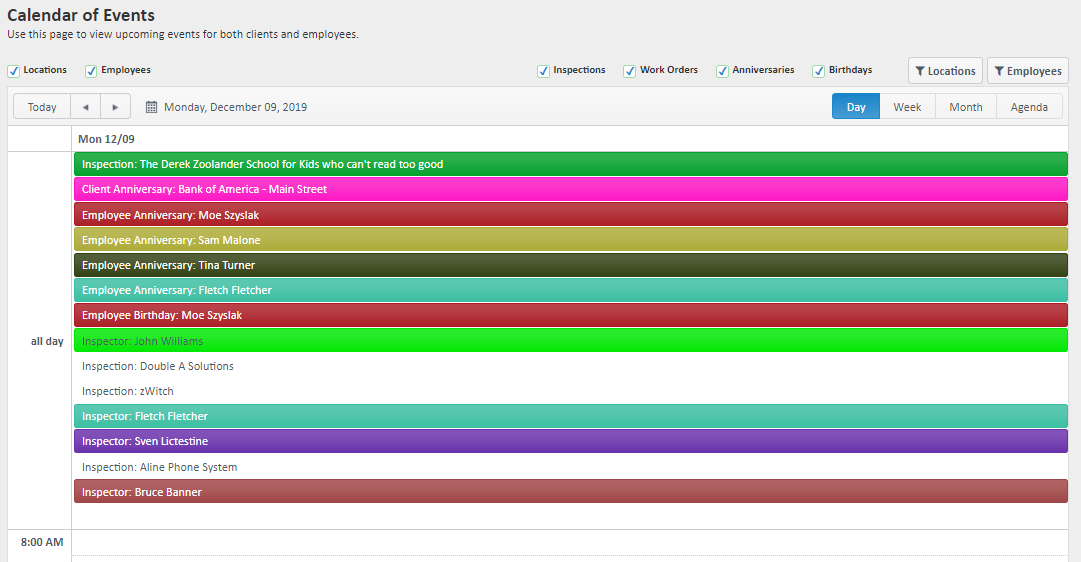
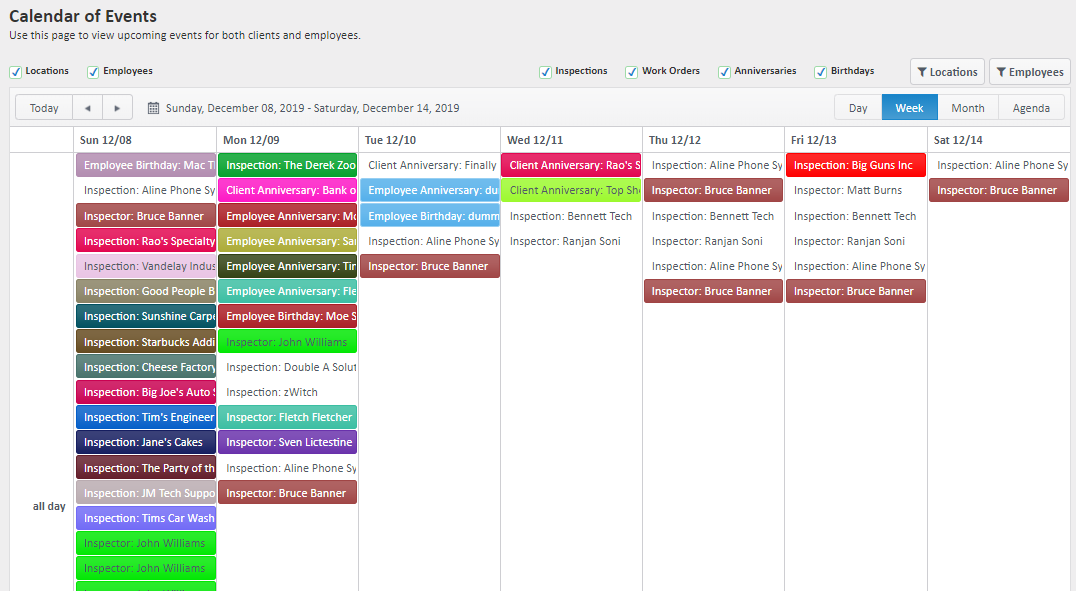
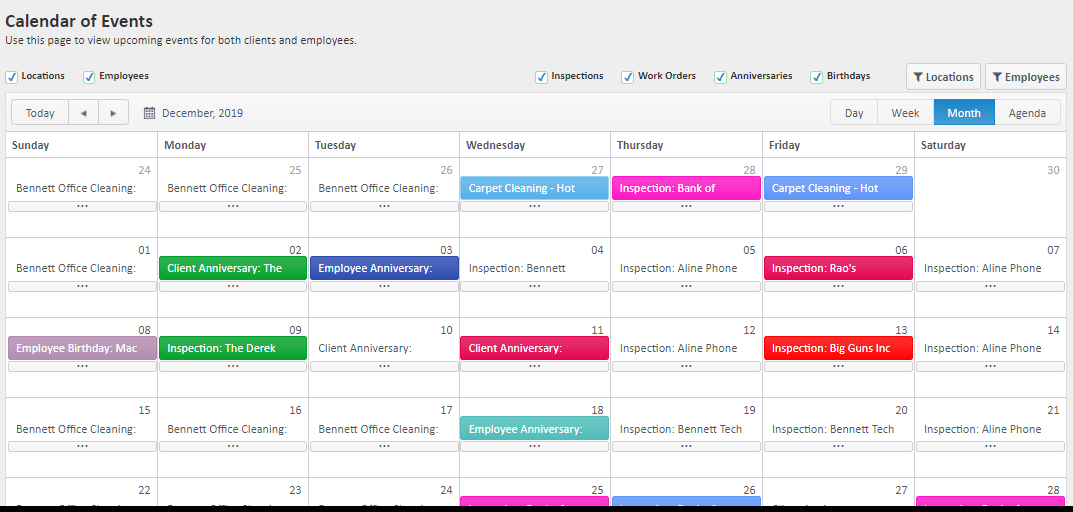
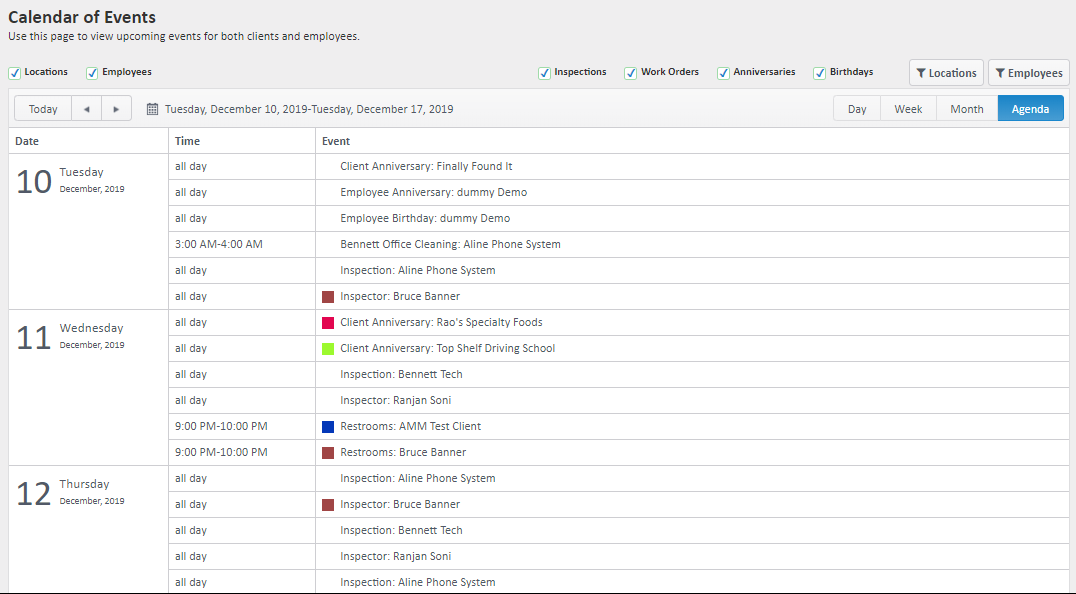
You can use the checkboxes and filtering options to manage what information is displayed on the event calendar. The Event Calendar displays the events using either the employee or location's assigned color.
Time Views
Day View
Week View
Month View
Agenda View
Event Type Views
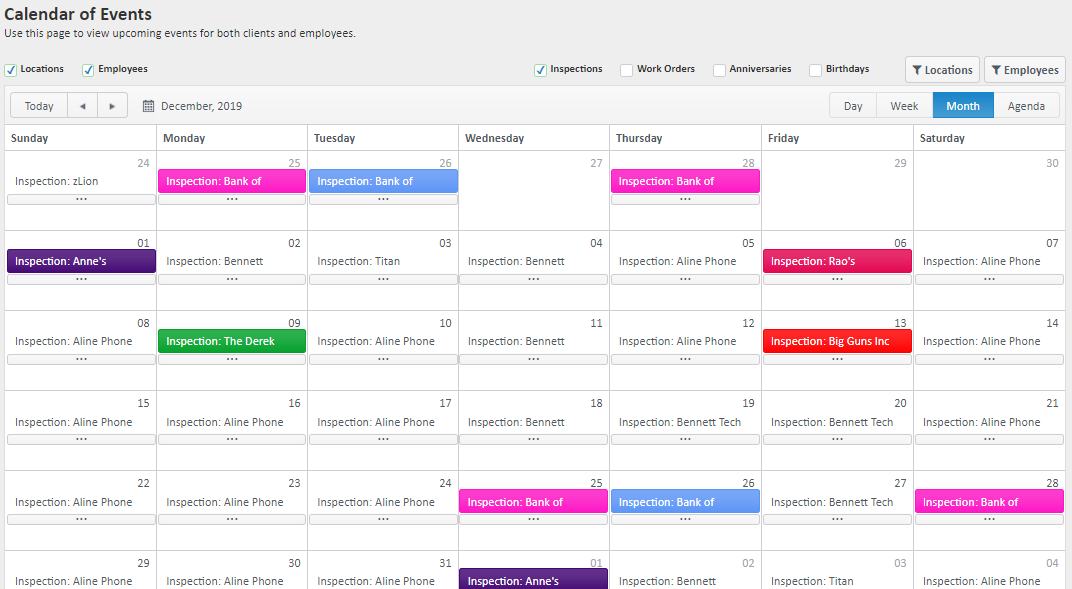
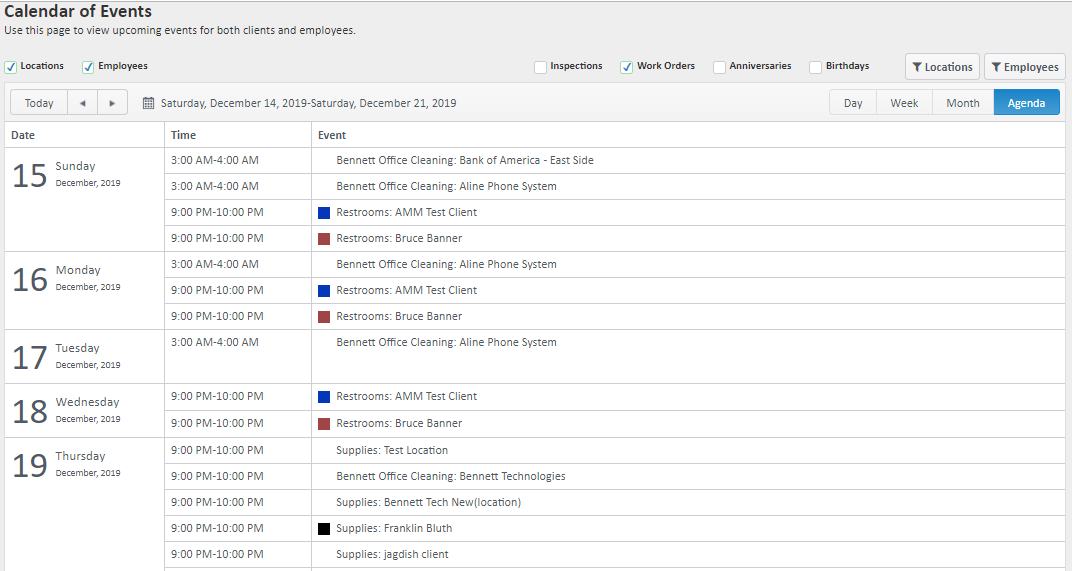
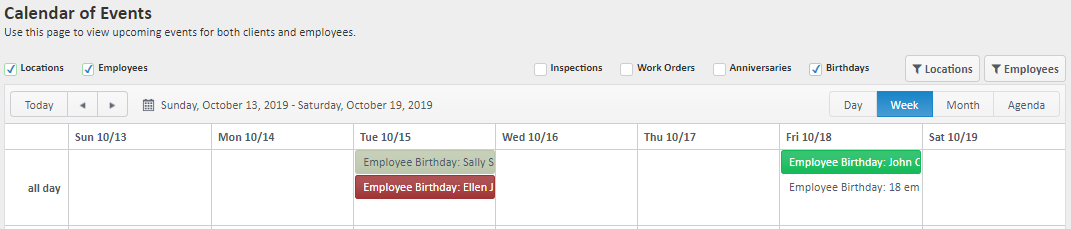
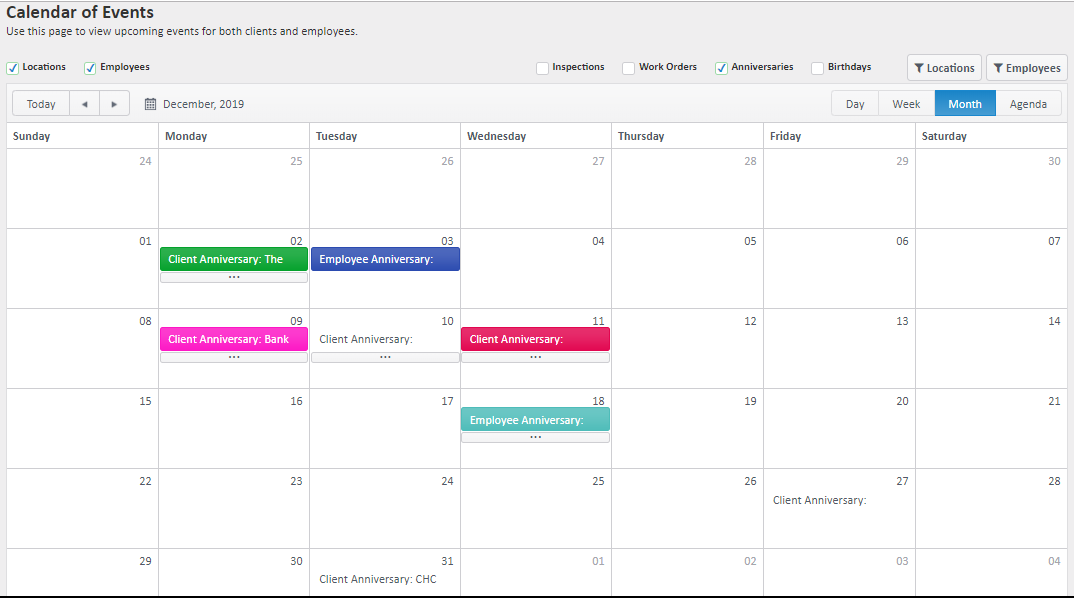
Use the filters along the top of the event calendar to narrow it down by Inspections, Work Orders, Anniversaries, and Birthdays using any of the time views available.
Inspection Month View
Work Order Agenda View
Employee Birthdays Week View
Client and Employee Anniversaries Month View
You can also view Client or Employee Anniversaries in a list view.
Navigate to Customers > Anniversaries for Clients or Employees > Anniversaries for Employees
For more information, or to send in a request to the Janitorial Manager support department, use the red 'Help' button in the bottom right corner of any Help Desk article.
Comments
0 comments
Please sign in to leave a comment.