Can I Mass Approve All Pending Time Punches?
Yes, you can. This is not always recommended. You may do so at your own discretion.
- To mass approve all pending time punches without adjusting them individually, navigate to Reports > Time > Clock in/Clock out
- Select your payroll period and use any other filters necessary at the top.
- Select the checkbox at the upper left portion of the list. Move to the far right and select approve

- A popup will appear at the top where Janitorial Manager will ask "Are you sure?"
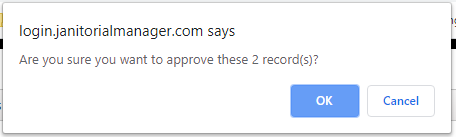
- After you select OK, all selected time punches will be approved.
For more information, or to send in a request to the Janitorial Manager support department, use the red 'Help' button in the bottom right corner of any Help Desk article.
Comments
0 comments
Please sign in to leave a comment.