How Do I Delete a Time Punch?
If a Time Punch needs to be removed before processing payroll, navigate to Reports > Time > Timecard.
In the Actions column, you will find an X to delete the time punch.
*If the buttons in the Actions column are missing, you will have to rollback payroll.

When you click the X to delete, a message appears at the top asking "Are you sure?"
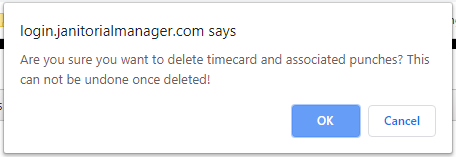
After clicking OK, a confirmation message appears.

After you click OK on the confirmation message, the Timecard entry disappears.
For more information, or to send in a request to the Janitorial Manager support department, use the red 'Help' button in the bottom right corner of any Help Desk article.
Comments
0 comments
Please sign in to leave a comment.