Changing Usernames
Tip: Employee usernames must be unique across all JM accounts, not the individual company. If a username already exists in your account or another JM account, you will get an error stating the username already exists. Please add a number after the name if you do not want to use another naming convention.
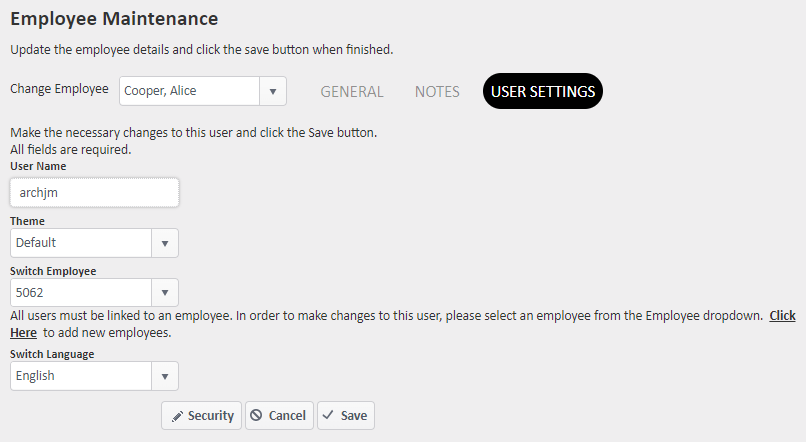
To Change an Employee's username
- Go to Employees > Manage Employees
- Click the edit pencil for the employee you wish to edit
- Go to the User Settings tab
- Edit the username in the box and click save to keep the changes you made
For more information, or to send in a request to the Janitorial Manager support department, use the red 'Help' button in the bottom right corner of any Help Desk article.
Comments
0 comments
Please sign in to leave a comment.