iOS Software Updates
Always make sure that your iOS software is up to date
- iOS is the software that all Apple iPhones and devices run on
- New iOS updates are still being released regularly by Apple, which can affect how Apple devices and apps perform
- Sometimes when new iOS versions are released, apps on the device may also need updates to support the new changes
Click here to learn more about Apple updates and the latest software version
Tip: Older phone models may have the most up-to-date software available for the device, but it may not be the most up-to-date version available to all
Click here to see if your device is supported by the latest version
Update Your iOS Software
Also, here's an Apple article with steps to update iOS and turn on automatic updates!
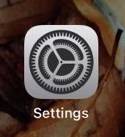
- Open your iPhone and select the Settings app
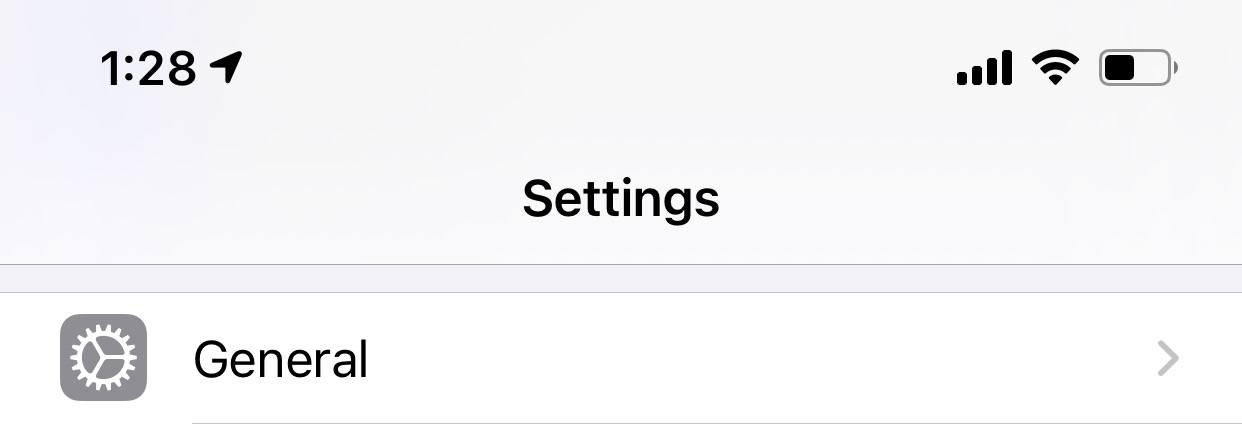
- Find and select General
- Select Software Update
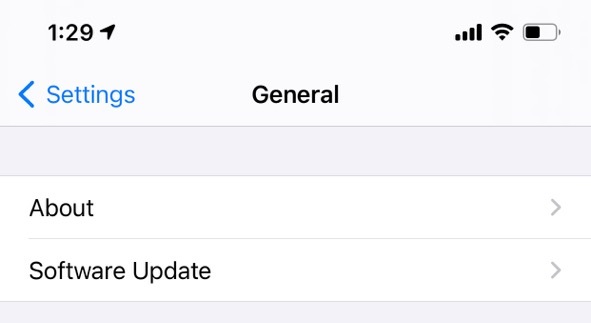
- It will either say
- "Your software is up to date"
- or an update will be available for you to download
For more information, or to send in a request to the Janitorial Manager support department, use the red 'Help' button in the bottom right corner of any Help Desk article.
Comments
0 comments
Please sign in to leave a comment.