Can I Add an Address of a Location in JM Connect for Employees?
Yes. This must be completed in the web portal.
Navigate to Customers > Location Details > Select the Customer and Location > Click the Instructions tab > Select the +Add button to the left

Select Address Information in the drop-down and enter the address in the text box. Click Save.
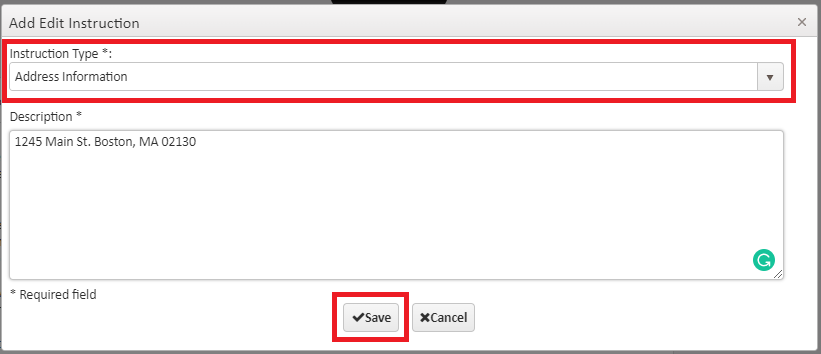
The saved information will appear below

In the JM Connect app, employees will navigate to Employee Messages
From there, they will find the location and select the blue "i" icon.
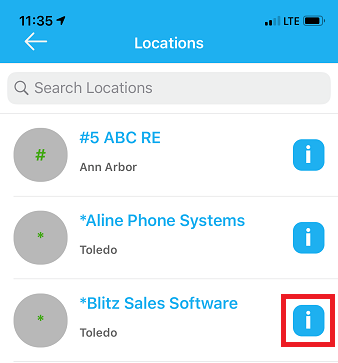
The information will appear within.
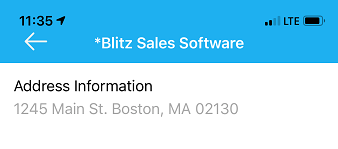
If the employee needs to enter the information into a map application, they will click on the address information. It will then allow the employee to copy and paste the information into the map application of their choice.
For more information, or to send in a request to the Janitorial Manager support department, use the red 'Help' button in the bottom right corner of any Help Desk article.
Comments
0 comments
Please sign in to leave a comment.