Customer Portal Login
Your clients will need a special login link to your Customer Portal.
Here is how to find that link:
Navigate to Customers > Manage Portal
Select the link for Customer Portal Login
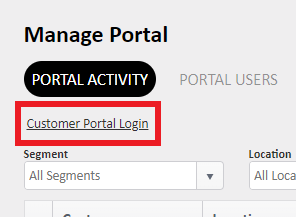
This is the link that your customers will use to access the portal.
You can also embed this link on your website for easy client access.
It will have your company logo on the login page.
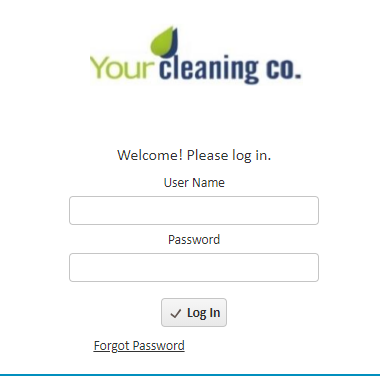
Upon login, the customer will be asked to select the location they wish to make a request for.
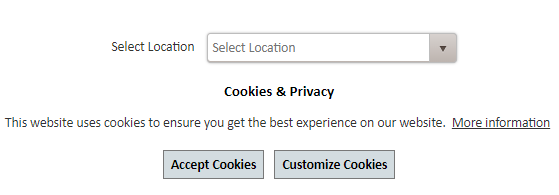
Tip: Error Code: 5002 will appear if the portal has not been turned on for the location being selected. If you get this code, please refer to this article for Enable Portal Features (Per Location)
For more information, or to send in a request to the Janitorial Manager support department, use the red 'Help' button in the bottom right corner of any Help Desk article.
Comments
0 comments
Please sign in to leave a comment.