Email A Bid Proposal
Custom Bids created in JM can be distributed to customers via email.
Getting Started
- Login to JM
- Navigate to Tools > Bid Calculator
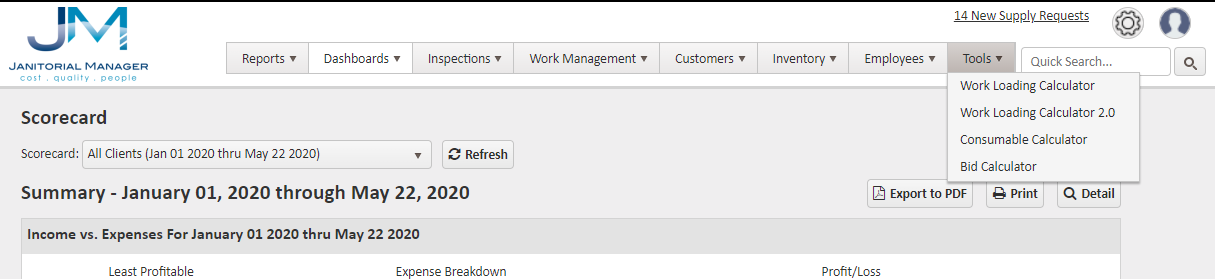
- Current Bids are displayed
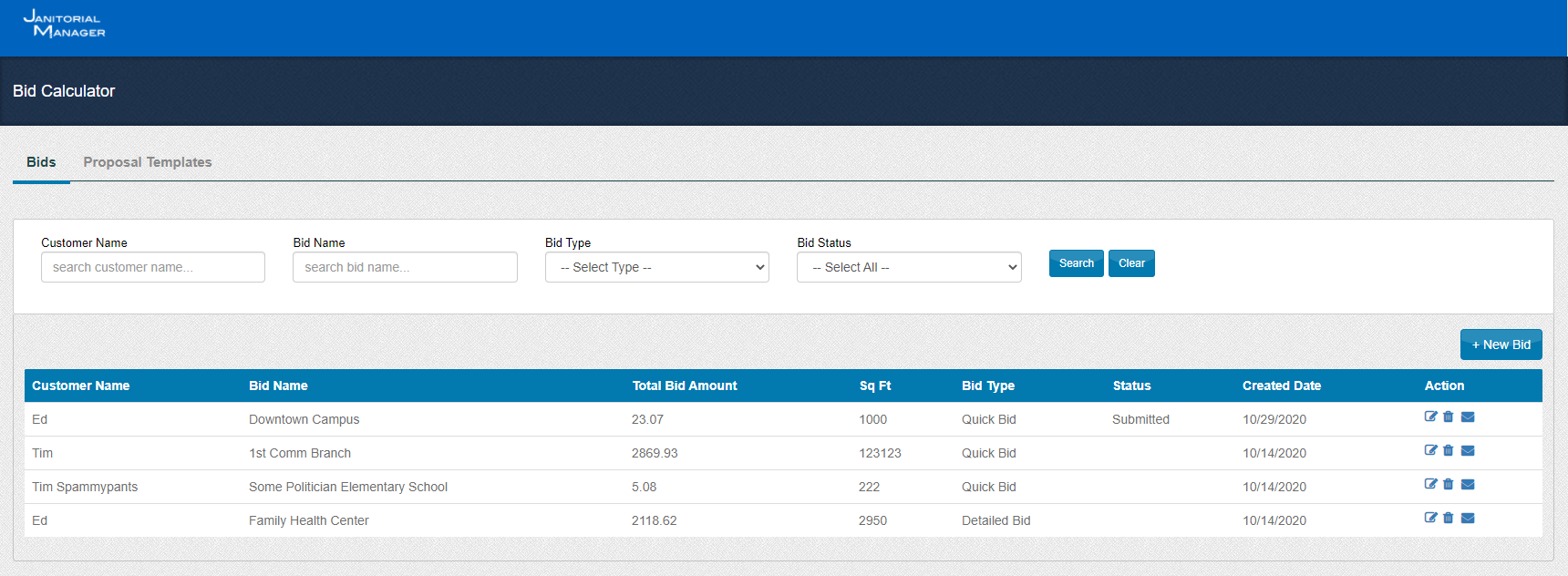
- For Bids that are complete, clicking the Email icon will open a new Email window and the Bid can be sent directly.

- To complete a Bid and Email, click the Edit pencil next to the desired bid
- Make necessary edits and click Next

- Complete Status information and click Save or Print Bid.
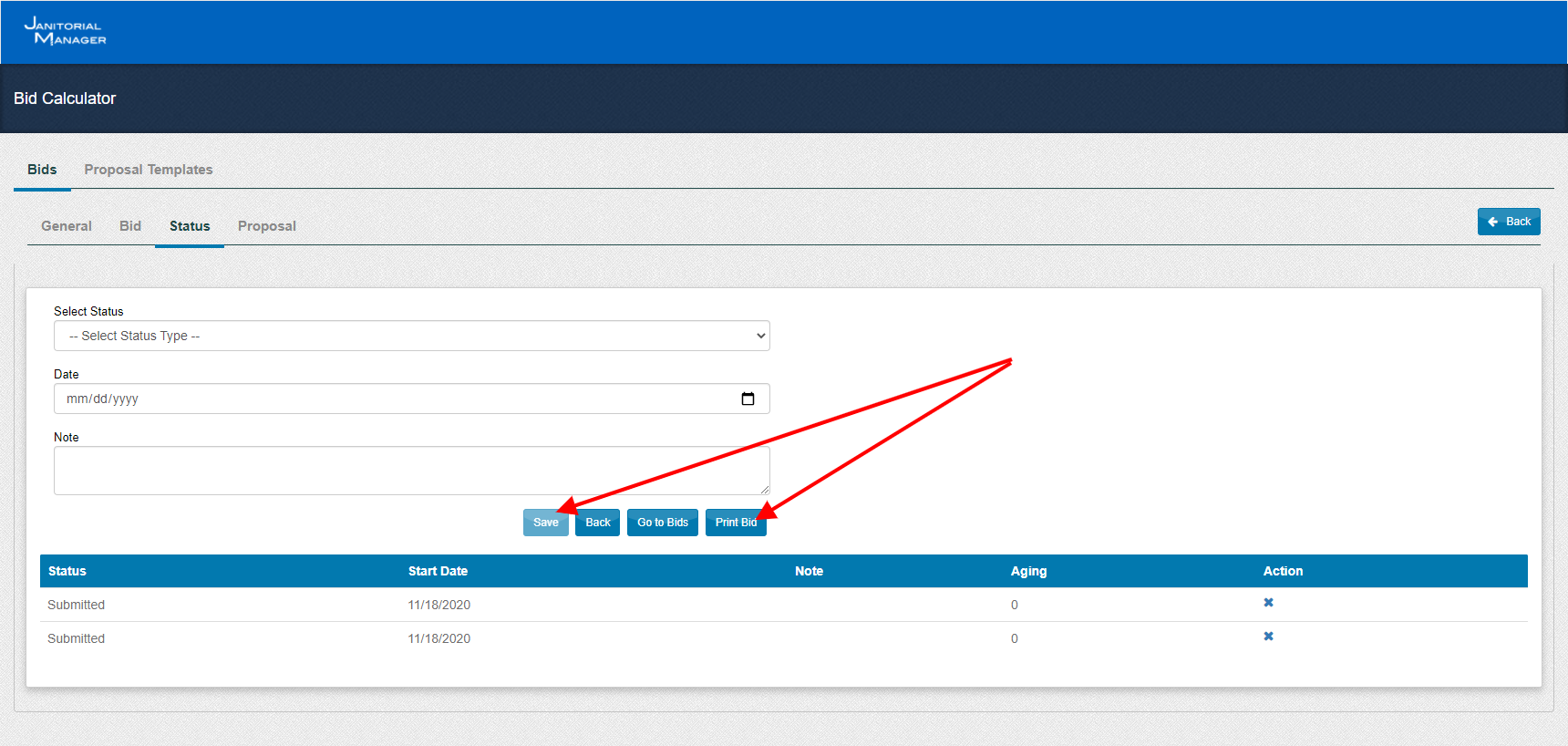
- Select a Template from the drop down.
- Click Email Bid to open a new Email

- Complete the fields and click Send

For more information, or to send in a request to the Janitorial Manager support department, use the red 'Help' button in the bottom right corner of any Help Desk article.
Comments
0 comments
Please sign in to leave a comment.