Adjust Location Mapping
If the Location is accidentally added to the incorrect Customer, there is an easy step to resolve this.
- Go to Customers > Manage Customers
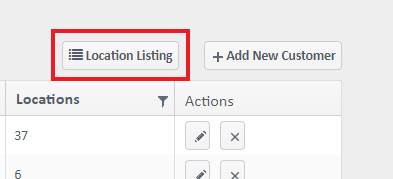
- Click on Location Listing above the list
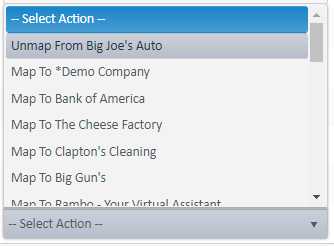
- Find the Location and in the Actions Column select the dropdown and Unmap from *the incorrect Location.*
- Click the dropdown again and select Map to *the correct Location*

For more information, or to send in a request to the Janitorial Manager support department, use the red 'Help' button in the bottom right corner of any Help Desk article.
Comments
0 comments
Please sign in to leave a comment.